
Streamline Client Bookings: Say goodbye to email tag!
Stop playing email tag and let your website become your best employee!
In this video, I break down the entire lifecycle of a service-based client journey. Starting from that very first search all the way to the final off-boarding and beyond. Join me for a behind-the-scenes look at my own business as I show you exactly how to automate inquiries, bookings, contracts, and follow-ups using my website and Dubsado (my Client Relationship Management software).
It’s time to take the manual labor out of your admin work so you can focus showing up as your best self for your clients!
Transcript below!
Resources I mentioned:
-
00:00 Hello and welcome back. If you're new around here, my name is Ellie and I specialize in the geeky side of business.
00:07 Specifically, around here we create websites that take a lot of the manual labor out of running a small business and become an extra employee for your work.
00:17 today we're talking about how to stop playing email tag or phone tag or text tag or whatever it is that you do in your business, but instead to use your website to book your clients all the way through.
00:30 And let's let's talk about this because there's kind of a lot of touch points between someone finding out about you and you signing off a project.
00:41 And so I want to talk about what all those are, how we automate them, and how that looks going from your website all the way through to a CRM.
00:50 So let's hop over and I'll show you some stuff. 00:52 So this is a pretty standard service-based client flow. I've worked with so many small businesses over the last eight years and this is a lot of what you see.
01:02 So say your service-based business, let's use my business because it's going to make this a lot easier. Someone finds my business because someone's referred them to me.
01:12 They've searched for, you know, website designers, Eastern Oregon, or they have found me on social media or in this YouTube channel.
01:22 And once they found me, the next thing they're going to do is vet me. They're going to look at my website, my social media, my reviews, and find out if I am legitimate and good at what I do.
01:34 And they feel like they can trust me to take that next step. From there, they're hopefully going to get in touch.
01:42 And that's, um, the biggest thing. It's getting that conversion to get to touch. And a lot of my work is to get people to that point, making the website feel inviting and informative and easy to use so that they will take the next step.
01:58 And that next step is, maybe they fill out a form or they call you or they use your scheduler to book an appointment or they walk into your shop.
02:06 Uh, that is the next step. When they do that, you want them to become a logged lead. You want them to be in a database somewhere so you can follow up accordingly you followed up from the form, you have followed up from the call or you've had your appointment that they scheduled in or that you, they walked
02:30 in and you sent them a follow-up email or text and they say, I want to work with you. And you're like, yes, this is going to be an epic client, a great project to I can't wait to work on it.
02:39 Then you still have to send them a contract, an invoice, uhm, you probably have some homework that you need to send them, maybe some forms or questionnaires or data you need off them to do the job correctly.
02:52 So in my case, that's going to be logos, colors, website content, those kinds of things. send them the homework and then I have to send them reminders to do their homework because we're humans and we are busy business owners on top of that and people need a little bit of hand-holding.
03:06 From there, you're going to want to make sure that the payments are happening in a timely manner and reminders are going out in a timely manner, uhm, so that you're getting paid for the work you're doing at the right time and you're not having any cash flow issues.
03:19 Then you have to deliver the actual work and that might be follow-up calls or check-ins that could, whatever that looks like for you, uhm, you're actually going to be showing up, delivering the product they've asked for, delivering the service they've asked for.
03:35 Then you finish that work and you hand it off and then you probably have some sort of resources or off-boarding process, uhm, to make sure that they have everything they need to continue on with whatever they've delivered.
03:48 So if you're a brand designer, that might be a brand style guide and some follow-up training around how to use their new brand assets.
03:57 If you're a website designer like myself, that might be, uhm, an in-depth tutorial about how to use their website going forward.
04:04 And any ways they can work with you to continue getting a little bit of support going forward as well. Then, you're going to send them a request for a review.
04:15 You're going to say, hey, I really loved working with you. Uhm, would you mind giving me a Google review or a Facebook review?
04:22 So that you have more of that social proof for when people get back to this vetting stage, right? For when people find you, you want them to know, oh, people love working with this person.
04:33 So you ask for a review. And then maybe a while longer, a while later, you want to check in. Maybe it's a six months after you work together, or maybe it's on a specific date, an anniversary of something, or someone's birthday, or depending on your business model, that might be different, but you're
04:54 going to want to check in at some point and say, hey, it was so good. I was just thinking about our work together.
04:59 Is there anything you need? Any support I can give you? Any referrals that you want me to pass on your way?
05:05 Whatever that might be, you want to check in. Because it's so much easier to keep a good client than it is to consistently find new ones.
05:15 So this is. The basics of a service-based client flow. Now let's talk a little bit more about how this actually looks.
05:22 I'm going to show you some stuff. So the way this works for my business, and I can give you about a million examples, but let's start with my own business.
05:31 So this is the backend of my Squarespace website. And if I go to. Well, this let's chat button, then you will see that it's dropped me a line and they will have the opportunity to email me if they would like.
05:49 Um, but the main call to action is for people, and this is where it is all over my website is to book an appointment.
05:55 This looks a little funny cause I'm on a really big screen on my actual website, it probably looks more like this.
05:59 And so inviting them to book a discovery call with me, a chat where we either talk on the phone, talk via video, uh, with Google Meet, or we meet in person somewhere in this little town I live in.
06:14 When they book that, um, they will be able to pick a date, pick a time, and then they have to fill out this form.
06:21 This form is directly connected to my client relationship email. Management Sophomore, my CRM, which is Dubsado, and I get some information off them immediately.
06:29 So I get their name, preferred pronouns, their email, phone number's optional, um, if we're meeting in town where we're going to meet, what their business is called, some links to their social media or existing websites, um, if they're referred by anyone, and then what services they're looking for.
06:45 Uh, this actually probably needs tidied up so that it's good to see that. But, and then once they fill all that out, they will get a confirmation that will automatically go out to their email, my email, um, and they will also automatically get a reminder two hours before their designated appointment
07:03 time that they chose. So once they've filled all of that out, that is them in my system. And this could be for some clients, support.
07:11 For example, for this client, instead of a call, instead of an appointment, it's just a form, but it's still that Dubsado form.
07:22 So they skip the call thing and they get all the information and they still end up in their CRM. So from there, once they filled all this out, they go into Dubsado.
07:34 Okay, I'm just going to type in test, test, test, test.
07:40 Okay, and then you can see they get this add to calendar button, so they can add that to the calendar just now, or, but they will also get this in an email.
07:49 So, and on my end, I get something that looks a little bit like this. So I get the new lead, and this is all the information they filled out.
08:00 Test, test, test, test, test. And I use that in a template I have in Google Docs, where I go in and will actually I'll review their website and prepare some, I have some pre-prepared questions for my consultation call that I ask every single client.
08:14 I will also get this email that says this is the call, the time, the location, etc. And I have a tendency just to hit snooze on those until the day of the appointment.
08:24 So they pop back up in my inbox for the actual appointment. button. And then they show up here in my leads.
08:32 And you can see this is this test one here. And so if I click into that, I will be able to see their appointments, their workflows, all these things.
08:39 But I don't want to get too deep because this is, this is a big tool that does a lot in my business.
08:44 But what I do want to say is immediately what will happen is that they will receive an email that has gone out, uhm, confirming their appointment.
08:55 They will, based on that appointment that they've booked in with me, they will receive a reminder two hours before the appointment, after I have that appointment with them.
09:04 I can send them a templated email, and this is exactly how this works in my business, PNC, website follow-up, and it has my terms, I would pop in the price of the website, for example, in line with my pricing structure, whatever, say what you want you're having a May launch, I'm available the 5th of
09:25 April, or whatever it is, and I would give them some option dates, I would summarize everything we talked about during the consultation, and then the rest is just automatically ready for, ready for them, and And then I just hit send.
09:40 That is my follow-up. So that is stage five. When they have the time to review everything, they've gone in, and they have looked at the quote, and they've looked at the optional dates, and all these things, and they've just made sure that my standard terms make sense to them, and these, we've overviewed
10:00 them. This is all on the consultation, but they say, yes, I want to work with you. Let's start on the 5th of April, and I say, great.
10:06 I will, and I email them back, and I say, I, my team and I will send you some onboarding information here shortly, and what that looks like is, after we've sent that, we will go to flows, we will start a flow, we will pick the new website client flow, and start that.
10:24 That, immediately, will activate their portal, send them a contract, send them their invoice. We will also need to quickly set up the invoice, and that we have some templates in here for as well as you would not be shocked, Okay, I've gone in and just put together a quick, you know, I've added a payment
10:41 plan, I've put in some dates for the project, I've also gone in and put in a package. So now, all these, when they fire off, even if I did it a little bit late, as long as they haven't opened them, will all be correct.
10:52 So the invoice, the contract, everything will be ready. It will then send them their website homework. Um, automatically, it will also send, update my status in the projects, um, it will also remind them several times to book appointments with me, finish their homework, all these kinds of things.
11:11 And then, once I'm done working with this person, I've delivered everything and we do a lot of the actual work tracking in my business in Asana, so that's a separate process, but once they've, we've had all of our follow-up calls, we've finished the website, it's functioning for them, it's working so
11:28 well, I have another flow, and I have these separated for this because I like to be able to control the timing of them exactly, and you could do that in other ways with like a, um, an approval tag here in Dubsado, but I like them to be separate.
11:43 Then I start another flow, and that flow, changes the status in my system to Project Wrapped, sends them a congratulations on your new website email, and then it waits and sends them, two days, and sends them a feedback one and another one.
11:57 So that's one of those approval tags. So if I receive feedback or a Google review after that, I don't send them the follow-up.
12:04 you to kind of visualize how, when somebody finds you, they vet you, they go to your website.
12:13 Like, all of these 13 steps that it takes for someone finding you, to them becoming a client, them being not, or maybe wrapping up that project, and then checking in and following up with them. 1
2:26 Uhm, I do have some tools for this, so I, in my shop, I have lots of tools for, uhm, a lot of these types of things that we do in my business.
12:37 But, the one that is most applicable to this is the Client Connection Toolkit, uhm, this has all the emails that I use in my business for all of these various touch points.
12:48 So, it's that, uhm, if somebody inquires to my business and I can send them a form, or that follow-up that I showed you, my second follow-up, if they don't reply to the first contact, an invoice email, payment reminders, uhm, schedulers, interview reminders for podcasts, so that's a bit of a separate
13:08 one out of the process, but I use it for different schedulers, thank yous, power hour follow-ups, testimonial requests, all these things.
13:14 And so, these are the same emails in here, and, uhm, if you buy this, you get this Google Doc with with everything you might need.
13:25 All right. If you have any questions, please pop them in the, uhm, comment section, and if there is something you feel like I missed, or a question you have about your specific business model, I am totally here.
13:38 I hope you feel really clear on how to automate a service-based flow from your website. All the way through your CRM and managing them there, so, have a good day.
13:51 Oh, and as I always forget, if you found this useful, please like, comment, subscribe, share, all those things. It makes a big difference to teeny tiny YouTube channels like mine.
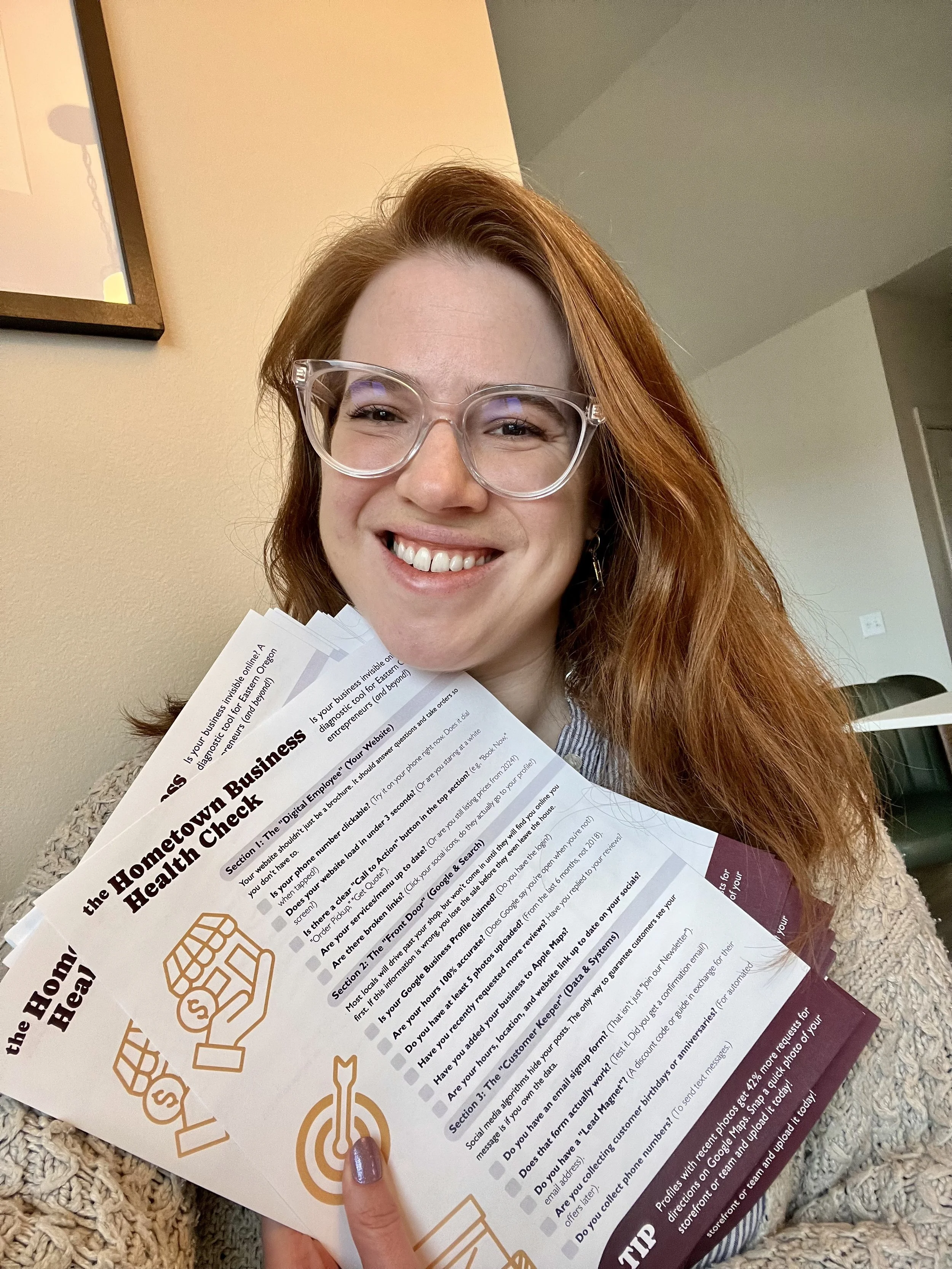
Is your business invisible online?
Most locals won't visit your shop until they find you online first. If your digital "Front Door" is broken, you lose the sale before they even leave the house.
Take 5 minutes to diagnose your digital presence with the Hometown Business Health Check 👇


We all know Google reviews are the hugely important for social proof and local SEO. But how do you actually get clients to write them without feeling awkward AF?